Safe Browsing That
Goes Beyond Link Scanning
CyberCheck360 lets users open suspicious links and files inside a secure, time limited, isolated sandbox session, protecting against phishing, zero day threats, and multi-stage attacks that traditional tools can't see.
Suspicious Link Detected
This link has been opened in a secure container. It cannot access your device or local network.
Why Traditional Link Sandboxing Isn't Enough
Most email security tools analyze only the first link in an email. But modern attacks don't stop there.
A 'safe' SharePoint link...
...That opens a document
...That contains another link
...That finally delivers the payload or credential harvest
Traditional tools stop at step one. CyberCheck360 doesn't.
The Attack Chain Blind Spot
Real Browsing, Fully Isolated
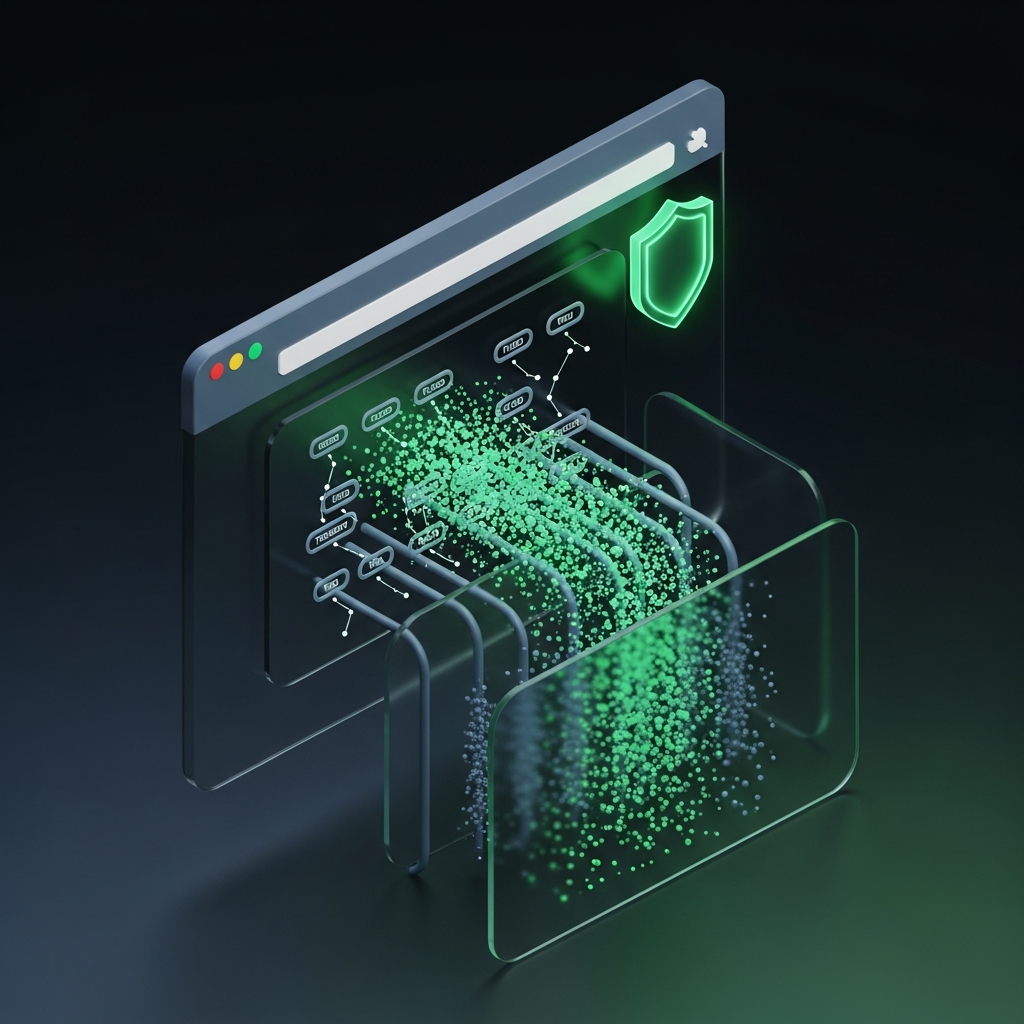
CyberCheck360 doesn't just analyze links in the background. We allow users to actually browse, open files, and follow links safely inside a fully isolated sandbox environment that never touches the user's device or internal network.
How CyberCheck360 Safe Browsing Works
User Clicks
A suspicious or unknown link is detected at click time.
Sandbox Opens
The link opens inside a secure, disposable browser environment.
Continuous Monitoring
Any additional links, downloads, or redirections are checked.
Instant Warnings
Users are warned instantly if malicious behavior is detected.
Protection Against Multi-Stage & Layered Attacks
Many attacks appear harmless at first and become malicious only after multiple steps. CyberCheck360 monitors every action inside the sandbox, not just the initial click.
- A file opened from a link
- A link inside a document
- A redirected website
- Or staged credential harvesting
"If a threat reveals itself later, we still catch it."
Designed to Eliminate Persistent Risk
Each sandbox session is temporary and automatically terminated after a short time window. Nothing persists. Nothing carries over. Nothing can linger.
Prevents long-running attacks
Malware has no time to establish a foothold.
Eliminates persistence
Every new click starts a fresh, clean session.
Zero attack surface
Isolated environment separates risk from network.
How CyberCheck360 Safe Browsing Is Different
Part of CyberCheck360 Email Threat Defense
Safe Browsing is a core capability of CyberCheck360's Email Threat Defense working alongside click time analysis and real time threat intelligence to protect users when it matters most.
Who Benefits Most
Business Users
Browse safely without disruption or fear.
IT Teams
No endpoint agents. No complex setup.
Security Teams
Protection against attacks that bypass detection.
Organizations with M365
Seamless, native experience.
Because the First Click Isn't Always the Last
CyberCheck360 protects users through every stage of an attack not just the first link.